Automate 100+ Magnific prompts and walk away.

Paste prompts once. Magnific Automation runs the queue, downloads outputs, and keeps each file matched to its prompt inside your own browser session.

136 users
5.0
v1.1.5
Examples of images you can bulk-generate on Magnific
Works in Chrome, Edge, Brave, Arc, Opera Uses your Magnific session No password handling

What you can verify today.

No inflated install counts, no fake testimonials. The launch proof is the actual product: a live demo, a public Chrome Web Store listing, and a privacy model you can understand before installing.

  • 1Watch it run. The demo shows the actual batch workflow from prompt list to automated generation.
  • 2Install from Chrome Web Store. The listing is public, so you can inspect the extension page before adding it.
  • 3Your own session. It runs inside your browser using your logged-in Magnific account.
  • 4No password handling. The extension does not collect or transmit your Magnific credentials.

Everything you'd do by hand — on autopilot.

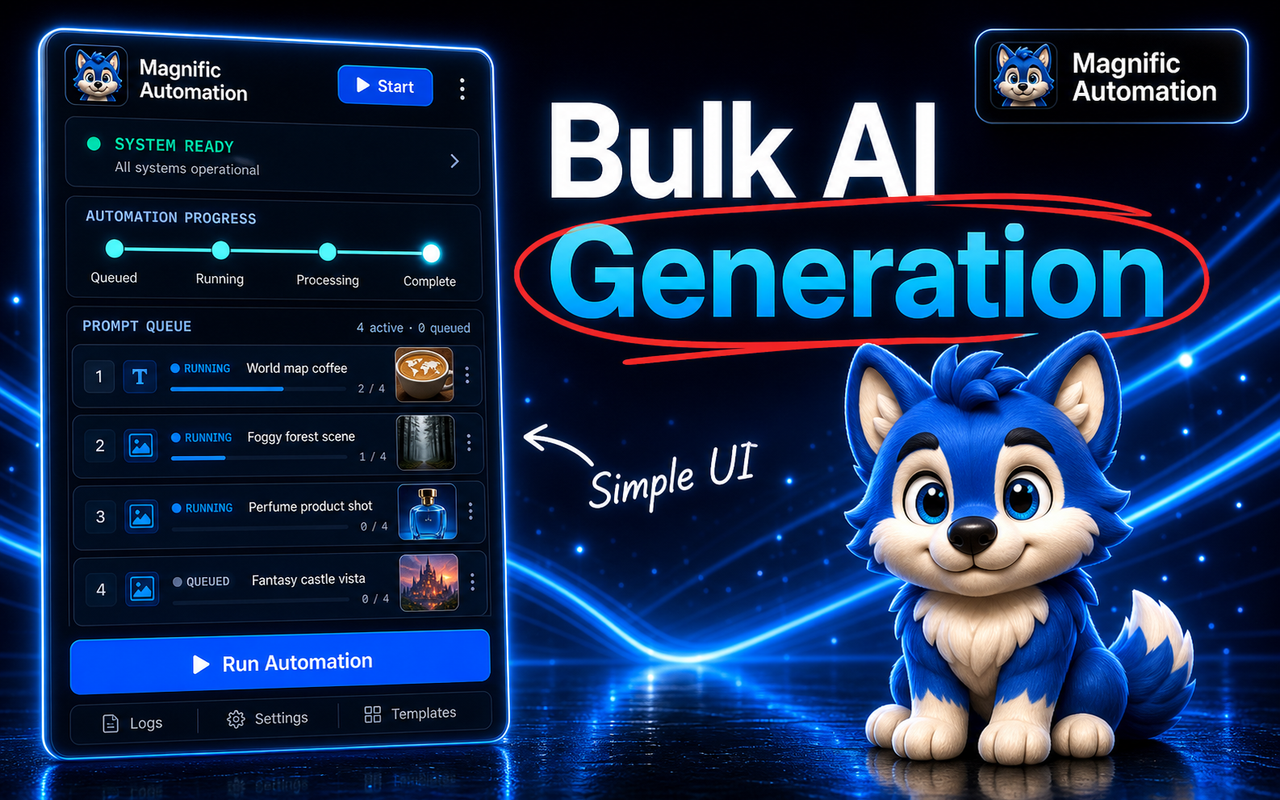
Bulk AI generation running on autopilot with a live prompt queue.

01 · BULK QUEUE

Bulk generation on autopilot

Paste 10 prompts or 500. The queue runs them one after another inside your own Magnific session — you press start once and it handles the rest.

  • One prompt per line, no setup
  • Runs in order, unattended
  • Keeps going even if you switch tabs
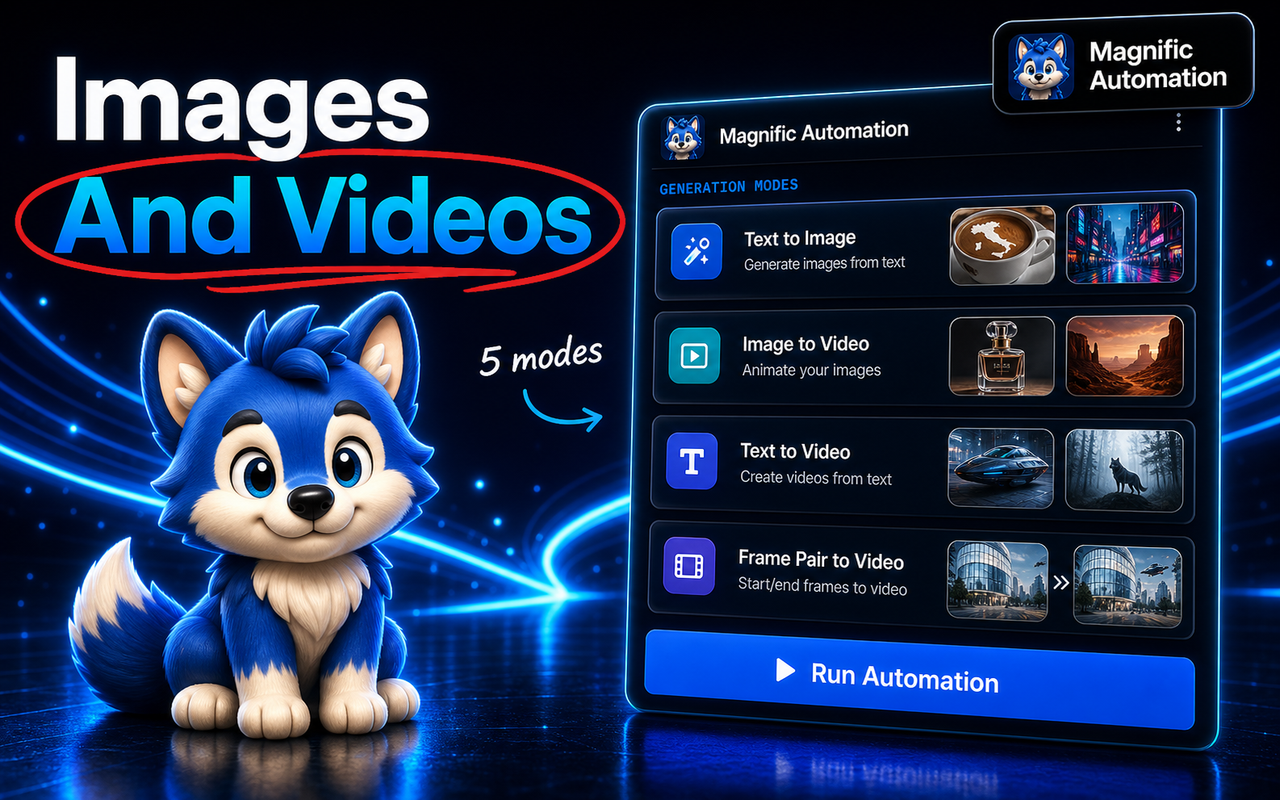
Both image and video generation modes: text-to-video, image-to-video, frame pairs.

02 · IMAGE + VIDEO

Images and videos, one queue

Text-to-video, image-to-video, frame pairs, text-to-image — whatever Magnific supports, the queue drives it with your chosen settings applied to every run.

  • Lock resolution, concurrency & delay once
  • Applied to every generation automatically
  • Mix image and video jobs in a batch
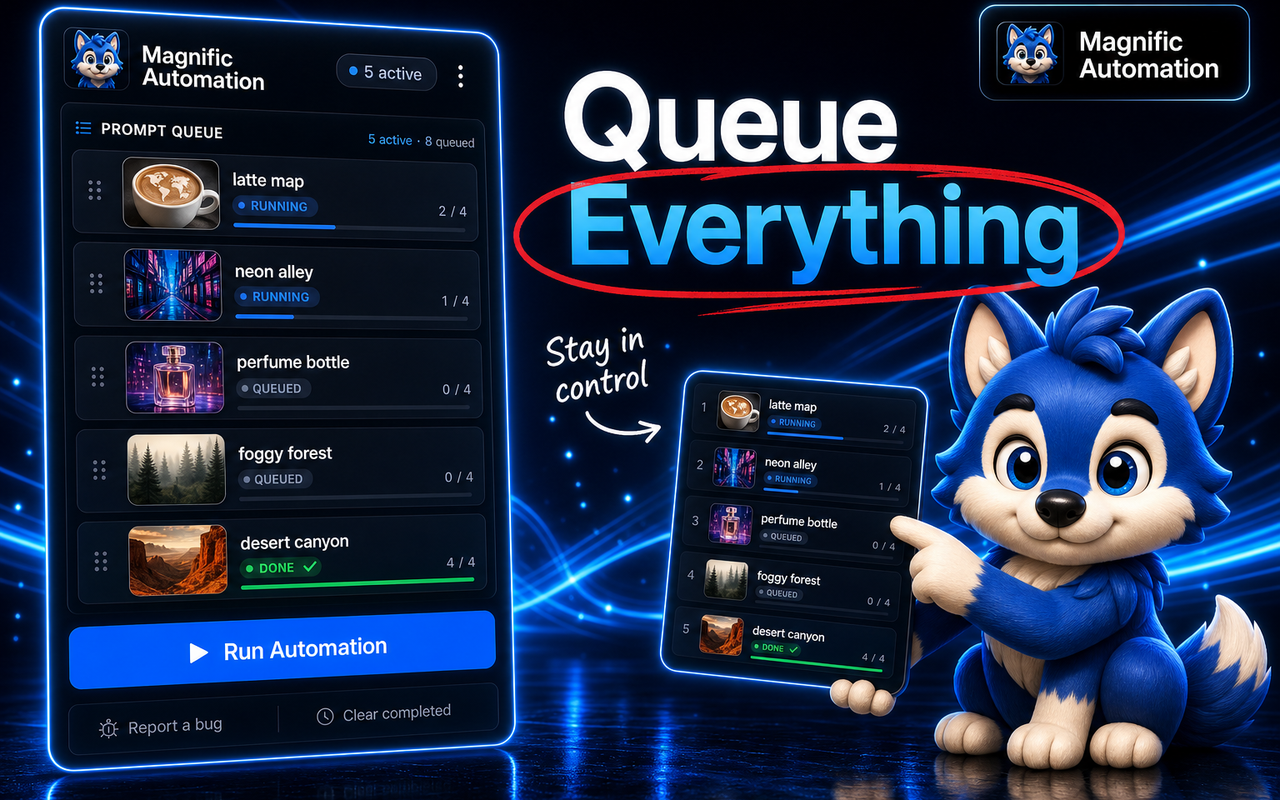
A live prompt queue showing progress for each generation.

03 · LIVE PROGRESS

Queue everything, watch it run

A live activity panel shows each job as it works — queued, running, done. If something fails, pick up where you left off instead of starting the whole batch over.

  • Real-time status for every prompt
  • Resume after a failure
  • See exactly what finished
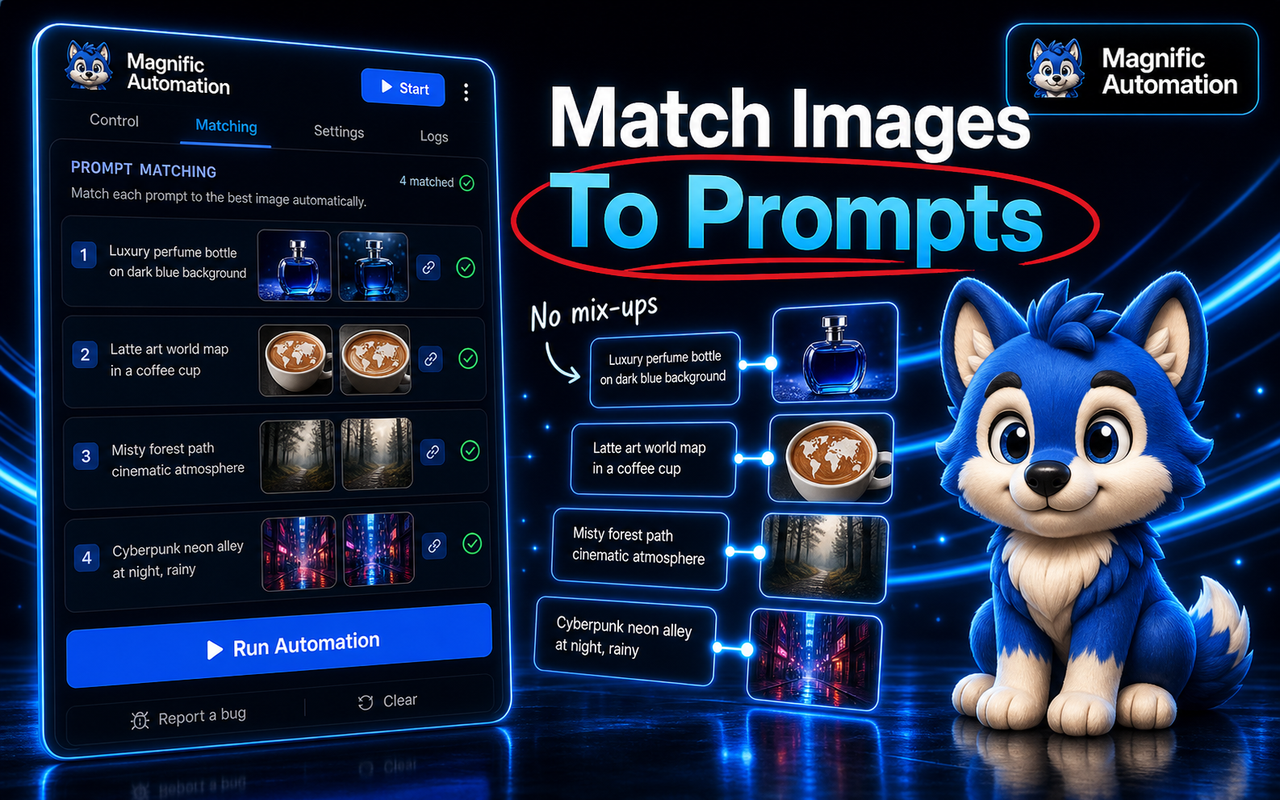
Matching prompts to their generated images so nothing gets mixed up.

04 · PROMPT MATCHING

Every image matched to its prompt

No more guessing which output came from which prompt. Each result is paired to the line that made it, so a 200-image batch stays perfectly organized.

  • Prompt ↔ image pairing
  • No confusion at volume
  • Clean records for every run
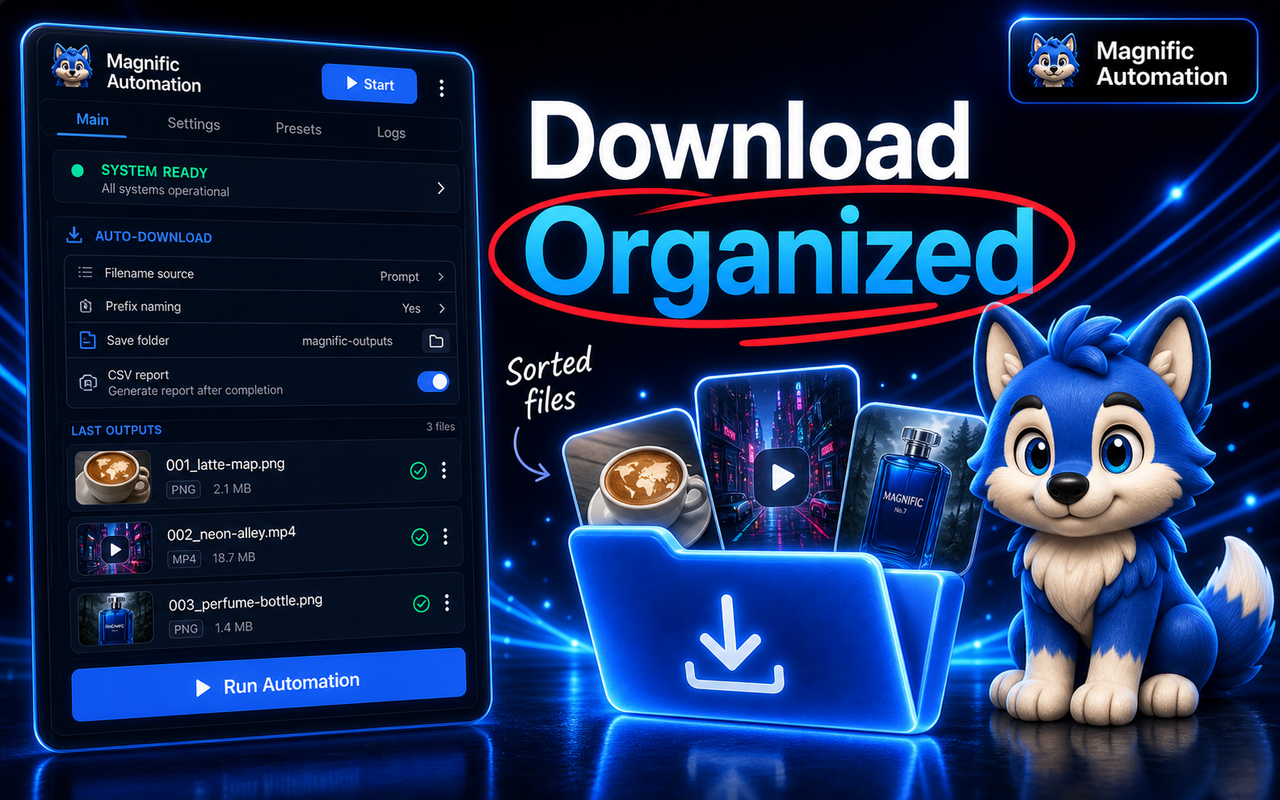
Auto-download with organized filenames and a CSV log.

05 · AUTO-DOWNLOAD

Downloaded and organized

Optional auto-download per generation with sequenced, prompt-based filenames — plus a CSV log of every prompt and result so your output folder and your records stay tidy.

  • Auto-download to your Downloads folder
  • Numbered, prompt-based filenames
  • CSV export of the whole batch

// WATCH IT RUN

A prompt list in. Organized downloads out. Hands-off.

  1. 1 Paste your promptsOne prompt per line. Set image or video options once.
  2. 2 The queue runs itselfEach job runs in your session — done, running, queued.
  3. 3 Downloads, matched & organizedNumbered files named from each prompt, plus a CSV log.
Magnific · Automation ● Ready
01cinematic wolf portrait, volumetric light
02editorial fashion model, studio backdrop
03neon-lit tokyo alley at night, rain
04fantasy castle on a cliff, golden hour
▶ Run Automation · 4 prompts
cinematic wolf portrait, volumetric light
editorial fashion model, studio backdrop
neon-lit tokyo alley at night, rain
fantasy castle on a cliff, golden hour
anime mech pilot, cockpit glow
0 of 5 complete · queue starting
01_wolf-portrait.png
02_fashion-model.png
03_tokyo-alley.png
04_castle-cliff.png
05_mech-pilot.png
06_product-shot.png
07_tech-concept.png
08_background.png
✓ 8 files downloaded · 6 images + 2 videos · each matched to its prompt · CSV log saved

Three steps. That's the whole product.

1

Install & open Magnific

Add the extension to Chrome, log into Magnific, and open the image or video generator.

2

Paste your prompt list

One prompt per line. Set your resolution, concurrency and delay once for the whole batch.

3

Press start, walk away

The queue runs in order and downloads as it goes. Come back to a finished library.

Manual grind vs. automated batch.

What it takes
Doing it by hand
With Magnific Automation
Your attention
Glued to the tab, one click at a time
Press start once, walk away
200 generations
Hours of paste → wait → download
One queue, runs in the background
Organization
Random filenames, easy to lose track
Numbered files + CSV of every prompt
If something fails
Start the batch over
Resume where it stopped
✦ Save hours of clicking · scale your output without scaling your effort ✦

Questions people actually ask.

No. Magnific Automation is an independent third-party Chrome extension, not affiliated with, endorsed by, or connected to Magnific. It's a browser tool that automates actions you'd otherwise do manually on Magnific using your own account.

Yes — 100% free. No credit card, no trial that expires, no upsell, and no per-generation charge. Install it from the Chrome Web Store and use it.

Yes — you use your own Magnific account and your own credits. The extension doesn't include Magnific access; it just automates how you interact with the site once you're logged in.

It runs on Magnific pages to paste prompts, apply your selected settings, start jobs, watch progress, and trigger downloads. It is built to automate the actions you would otherwise do manually in that tab.

Prompt processing happens in your browser session. Optional downloads use your browser's normal download flow, and any generated files still come from your own Magnific account.

Install the Chrome extension, open Magnific, log in, paste one prompt per line, choose your settings, and start the queue. There are no API keys to configure.

When Magnific rolls out meaningful UI changes, the extension gets patched and pushed to the Chrome Web Store, and updates are free.

The extension never sees, stores, or transmits your Magnific password. It operates inside your already-logged-in browser session, the same way any user action on the page would. No credentials are sent anywhere.

Google Chrome and any Chromium-based browser that supports Chrome Web Store extensions (Brave, Edge, Arc, Opera). Firefox and Safari are not currently supported.

Email thapadeepak726@gmail.com. Reply usually within 24 hours on weekdays.

Stop babysitting the generate button.

Install free, paste your prompts, and let the queue do the clicking. Free for early users — locked in forever.

Install free on Chrome →