01 / Source
Start with a list.
Paste blocks, drop a text file, or import a spreadsheet — it finds the prompt column for you.
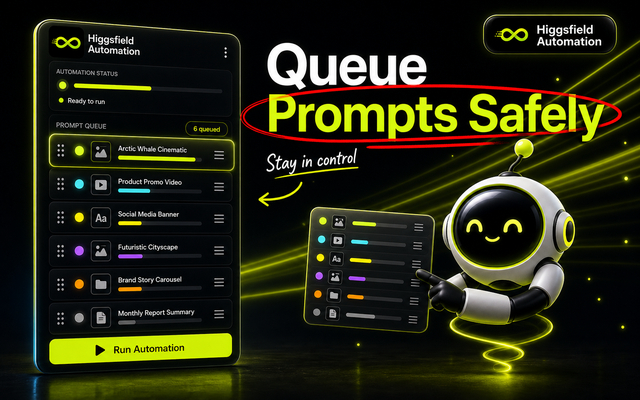
Import prompts, choose a Higgsfield mode, and let the extension queue, retry, and download the batch in your browser.
How it works
Four steps, one side panel. Scroll to watch the extension move through a batch.
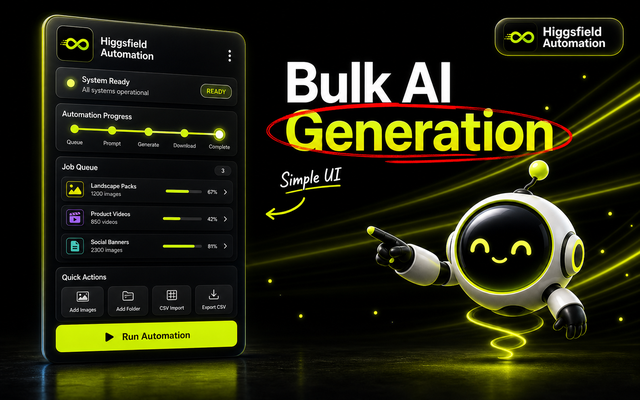
Paste blocks, drop a text file, or import a spreadsheet — it finds the prompt column for you.
Text-only prompts, image references, first/last frames, or still image generation.
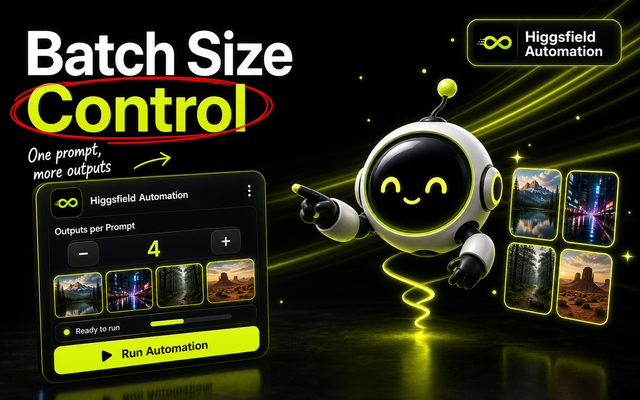
Set concurrency, pacing, outputs per prompt, and retries. Cancel mid-run anytime.
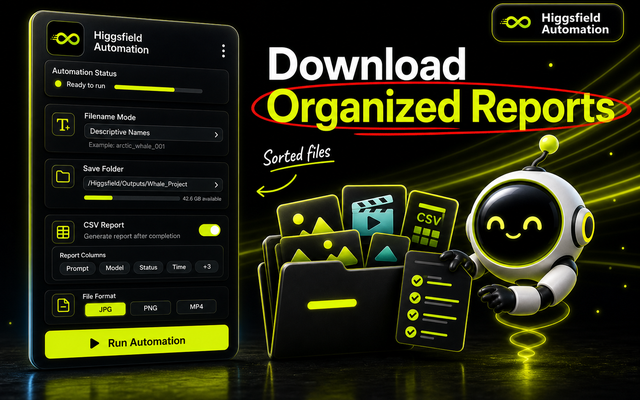
Auto-download to a named folder with prompt-based filenames and a CSV run report.
See it in action
Watch the extension queue, pace, and automate generations on higgsfield.ai with real cost calculations.
Generation modes
Prompt-only video batches, with multiple variations per prompt.
Map start or start/end frames to prompts in the queue.
Batch image generation with clean, prompt-based folder naming.
Match references by order or filename, then run the batch.
Made at volume
The extension is built for creators shipping at this scale.
Top all-time frames from the Civitai community — shown for scale, not made by this extension.














Trust model
FAQ
The Chrome Web Store listing requires Google Chrome 114 or newer. Other Chromium browsers work if they support installing Chrome Web Store extensions.
No — you set the model, aspect ratio, duration, and resolution on higgsfield.ai. The extension runs against the page and settings you have selected.
No. Higgsfield Automation is built for non-technical creators. Choose a workflow, paste or import prompts, click Run, and the extension handles the repeated browser actions inside your Higgsfield session.
Yes. Start a prompt with ">>" to feed the previous output into the next — useful for continuous shots or iterative edits.
No. You need a higgsfield.ai account signed in in your browser. The extension does not create an account or log in for you.
No. It is an independent Chrome extension by Deepak Thapa, not affiliated with or endorsed by Higgsfield.
Install the extension, open higgsfield.ai, import your prompts, and run the batch in your own session.